Wordfeud on PC with Waydroid
Wordfeud is a scrabble-like game for Android and IOS. I don’t play it as much as I would like, as I don’t spend that much time on my phone. For this reason, I decided to get it running on my PC! With the help of Linux shenanigans, the native Android app displays like any other application on my PC.
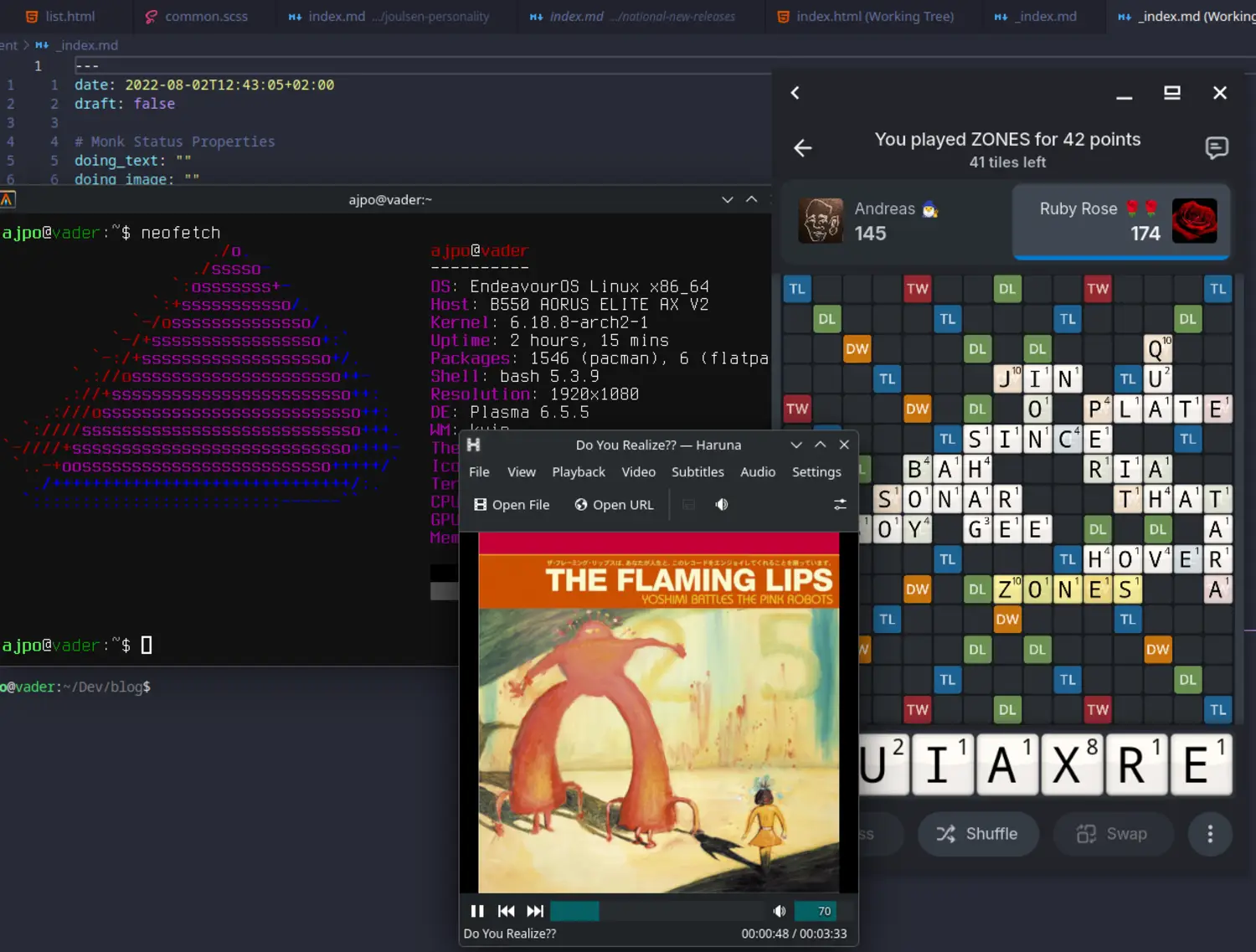
Wordfeud running alongside an audio player, a terminal emulator and my code editor.
This is possible because of Waydroid, a compatibility layer that uses a containerized Android environment. Unlike traditional Android emulators such as Bluestacks, Waydroid is not a virtual machine but merely a container. This means that the Android apps run through Waydroid share the host kernel. This is possible since Android is actually a modified version of Linux.
Waydroid acts as a bridge between the rendered Android app and the compositor on the PC. The compositor is the program responsible for rendering images on your screen, and this bridge is what translates rendered Android apps to functional windows on my PC. Waydroid only supports the Linux compositor Wayland, which is also the origin of the name
Waydroid = Wayland + Android
It can support other compositors such as X11 through more compatibility layers or by running Wayland as a nested compositor.
Details
In reality, getting this up and running was a bit of a chore. So here I will just present the struggles I had while setting this up.
I started by ensuring the prerequisites laid out on the Arch Wiki. Specifically, I started by installing the necessary kernel modules. It turns out my OS (EndeavourOS) already has said modules, so this step was redundant.
I then used Waydroid to download the base Android image. I had to do this twice, because I actually needed an Android image with Google Play functionality. Many apps require Google Play functionality for logins, and this is also the case for Wordfeud.
When I first started Waydroid, my container had no internet access.
I tried a million things, including every step listed on the Wiki, but nothing seemed to work.
After a reboot, however, my container suddenly had internet access again.
My best guess is that I fixed it by allowing it in my firewall service firewalld.
Generally Waydroid requires the .apk file of the app you want to install.
The .apk for Wordfeud Premium is not readily available, probably because it is a paid app.
I have paid for the app on my Google account, but I could not download it from Google Play Store, as my container was not an authorized device.
Instead, I had to use the third-party open-source Android app store, Aurora Store.
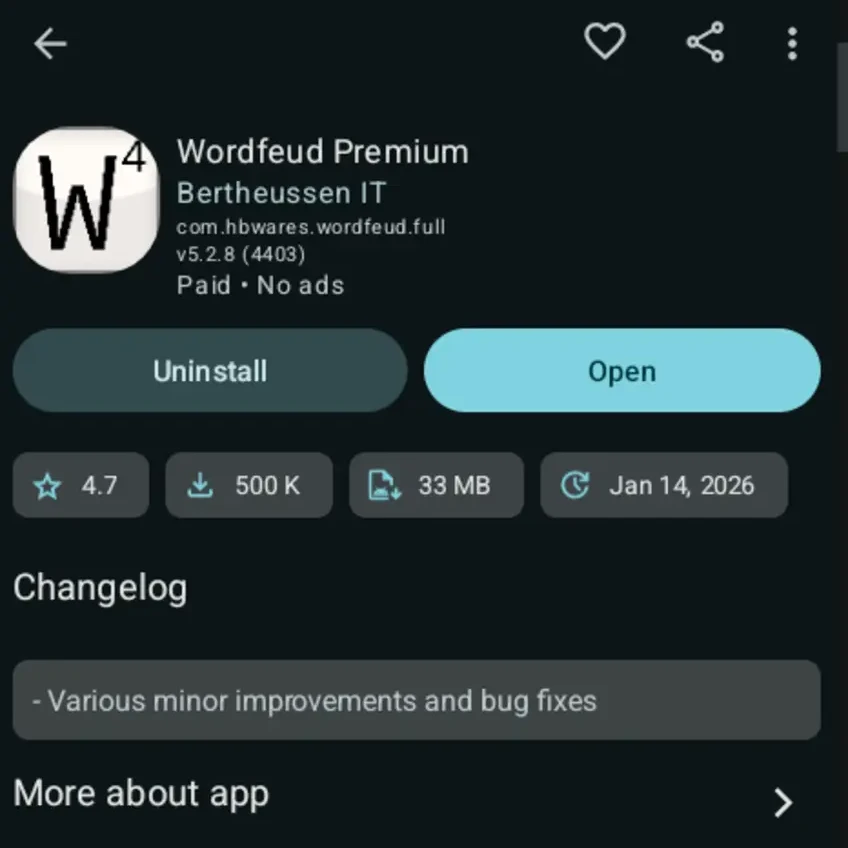
Wordfeud Premium on Aurora app store
Finally, I could start playing Wordfeud on my PC. It works really well, but there are some issues moving the window from one screen to another. Hopefully, this will allow me to become better at Wordfeud and finally beat my friends :)
Published 14. February 2026
Last modified 14. February 2026