My bottle caps encased in CD cases
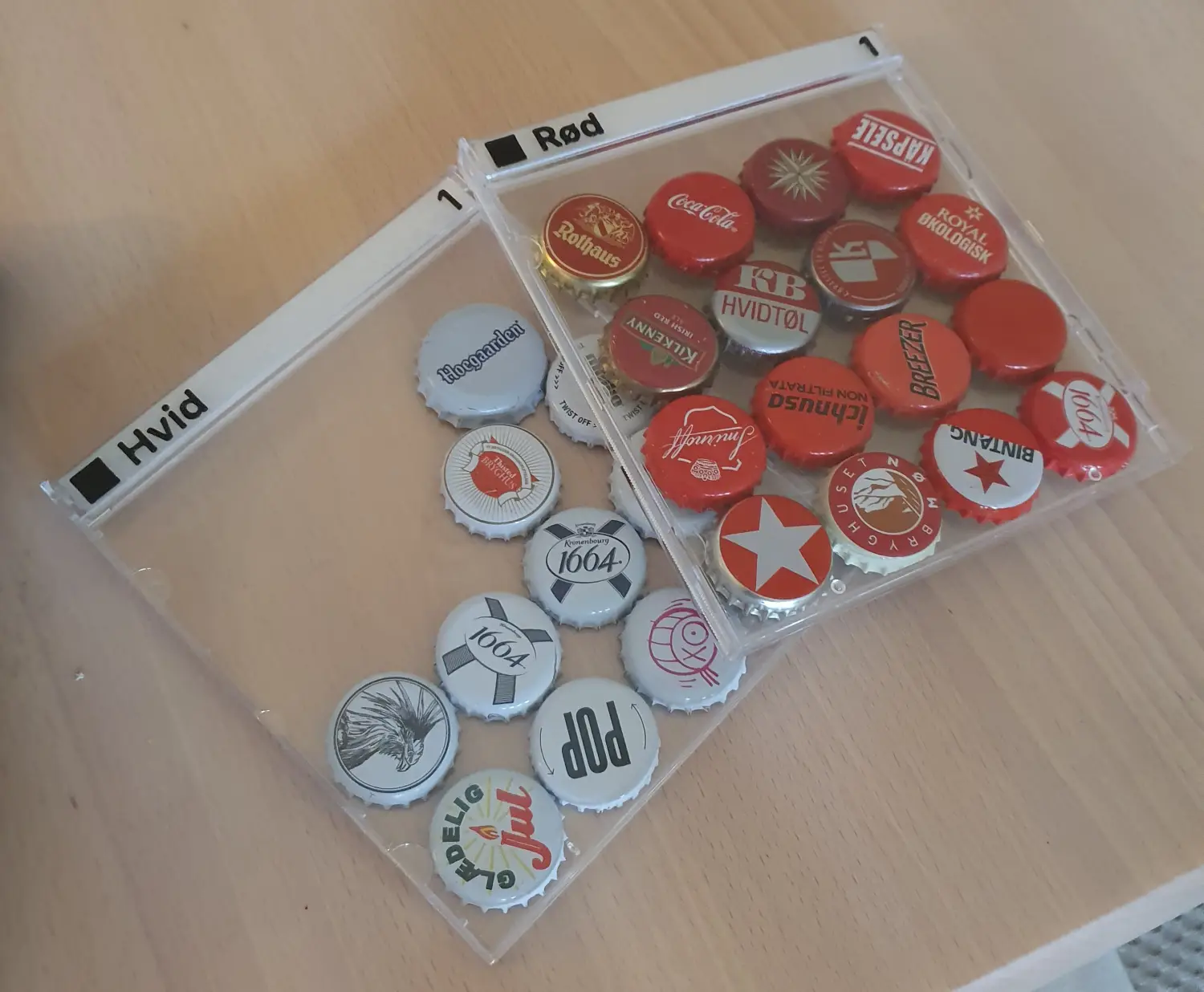
My bottle caps encased in CD cases.
Some years ago, I started a bottle cap collection. This was sort of nostalgic for me, as I used to have an enormous collection when I was about 10 or 11 years old. Back then, my caps were stored in a big cardboard box, and they were mostly duplicates - back then I cared more about quantity over quality. Sadly, I got rid of my original collection a long time ago. I simply threw it out.
My new collection is a lot more methodical. I only keep one of each and make sure they don’t get scratched. For the longest time, they lived in these small plastic A4 paper holders, neatly organized inside a larger binder. But that made the collection annoying to show off. So I thought long and hard of what to do, especially now with my 3D-printer up and running.
The answer became CD jewel cases! It turns out that a bottle cap is exactly wide enough to fit inside one of these, once the CD and CD holder are removed. I can source these cases very cheaply, about 1 DKK per case, which is much cheaper than filament for my 3D-printer. On top of that, using the 3D-printer, I would never have been able to get such a transparent front cover (which is nice to prevent dust accumulation).
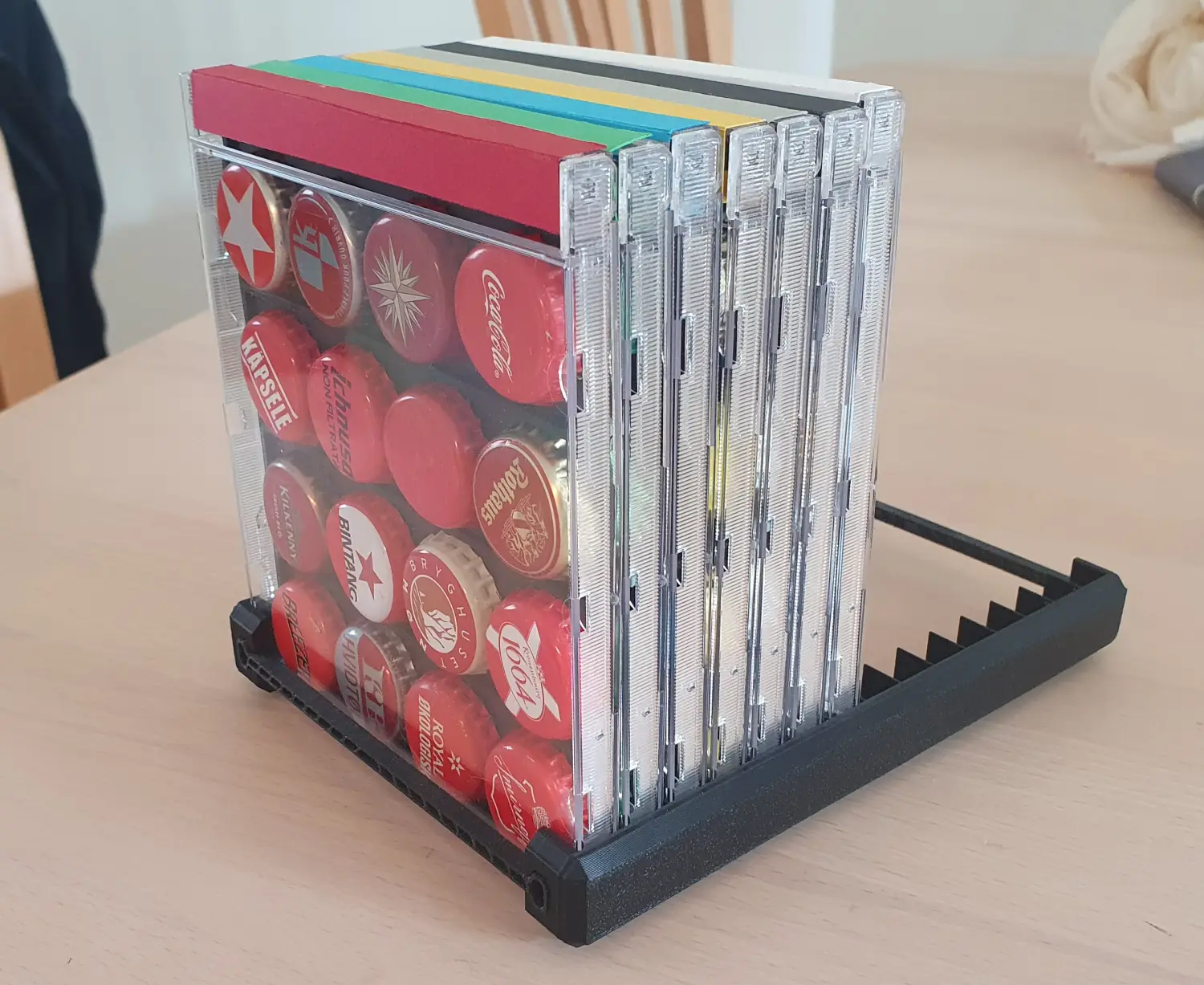
My first CD-based prototype for displaying bottle caps. The holder for the case is made by PeterNelson and can be found here.
As you can see, I sorted my collection by color as indicated by the cardboard square on top. Sadly, this design was not sustainable as:
- The cardboard would peel of, become dented or become dirty
- It was difficult to source cardboard in the correct colors. Especially if I wanted dual color cases, pink & purple for example
I solved this by 3D-printing the side instead. I programmed a model in OpenSCAD, which was a long and tedious process. Thankfully, it made it easy to use. Inside the model there is a variable that I can customize:
|
|
which produces the result below:
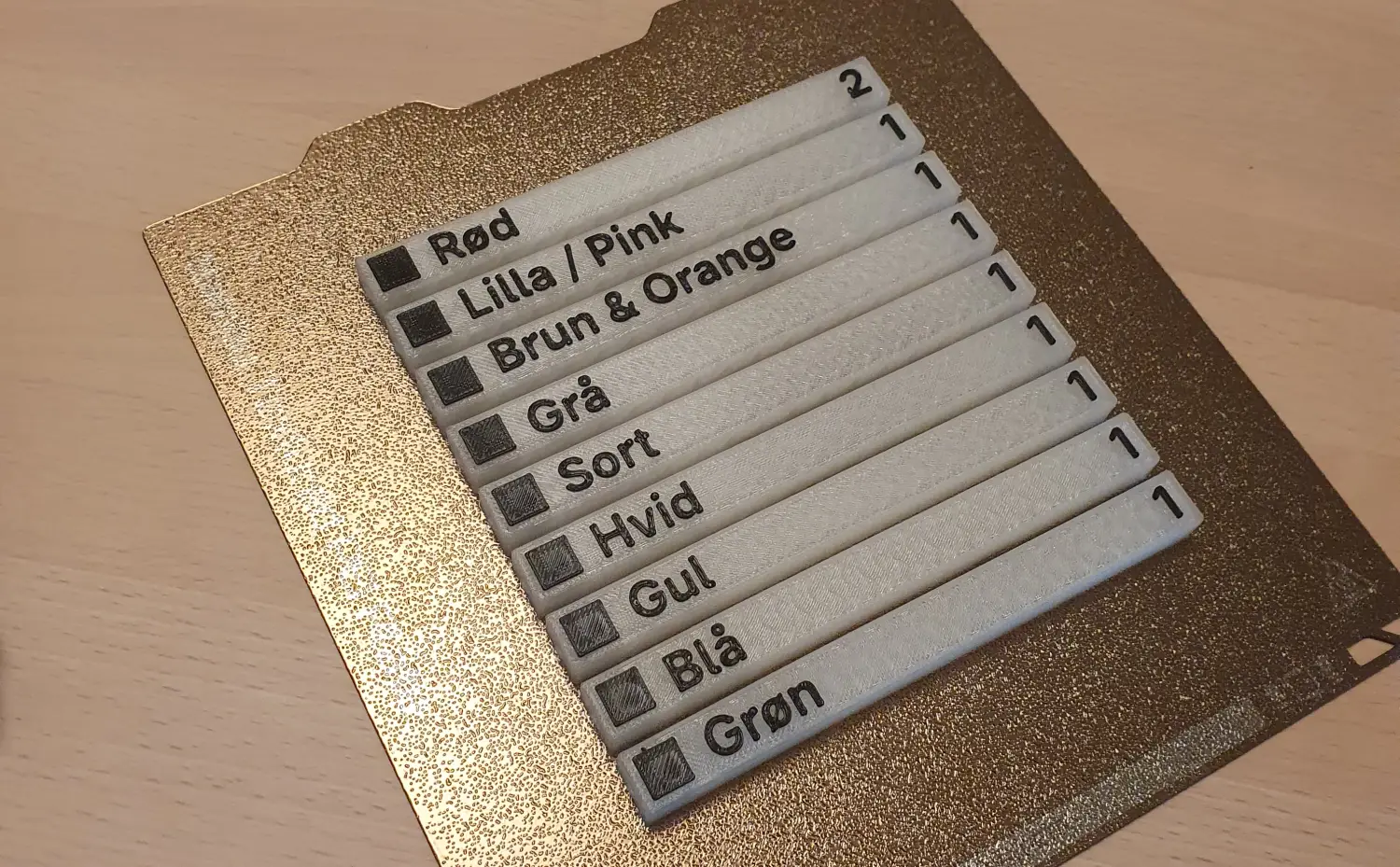
Labels printed on my 3D-printer.
These fit neatly in a CD jewel case, once the backing is removed (the part which holds the CD). When printing, I inserted a pause, allowing me to switch to black filament for the actual label part. The number on the right is for when I have multiple cases for the same color.
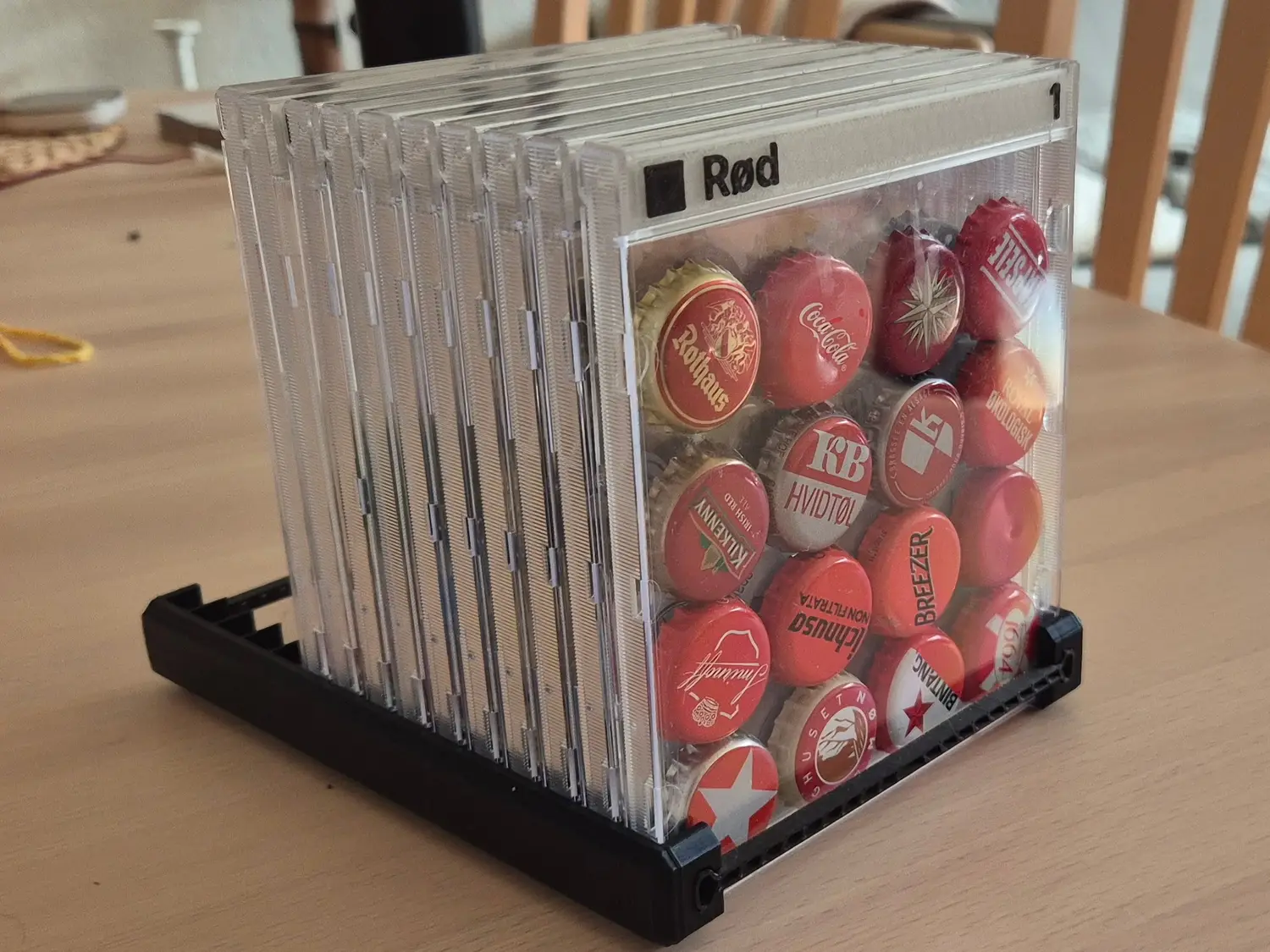
Final iteration of the bottle cap collection
I have released the model publically on Printables.
Published 15. March 2026
Last modified 15. March 2026